

Multi-Screen Prices — 2 to 5 Screens
Every screen count and every duration is priced in one table on the pricing page — use the screens tabs there to build your household's exact plan.
- 2–5 simultaneous screens
- Every screen gets the full package
- Upgrade screens anytime, pro-rated

How Multi-Screen IPTV Works
A standard IPTV subscription allows one active stream at a time — fine for individuals, frustrating for families. Multi-Screen plans raise that limit to 2, 3, 4 or 5 simultaneous connections on a single account. Install the app on every device in the house (there's no installation limit), and up to your plan's number of screens can play at once — each watching completely different content.
Every connection gets the full package: the complete +28,000-channel line-up including every Sky Sports channel, the full +192,000-title VOD library, EPG and catch-up, with 4K UHD on supported channels. There's no "main screen" and "secondary screen" hierarchy like Sky Multiscreen — every screen is equal.
Mixed devices are the norm: a typical 3-screen household runs a Firestick on the main TV, the built-in app on a Samsung Smart TV in the bedroom, and a tablet or phone for the kids. Setup per device takes about five minutes with our setup guide, or we'll walk you through each one on WhatsApp.
Need more screens later? Upgrades are pro-rated — message us, pay the difference for your remaining period, and the extra connections are live within minutes. Households that outgrow 5 screens (HMOs, big families) can ask us about custom packages.
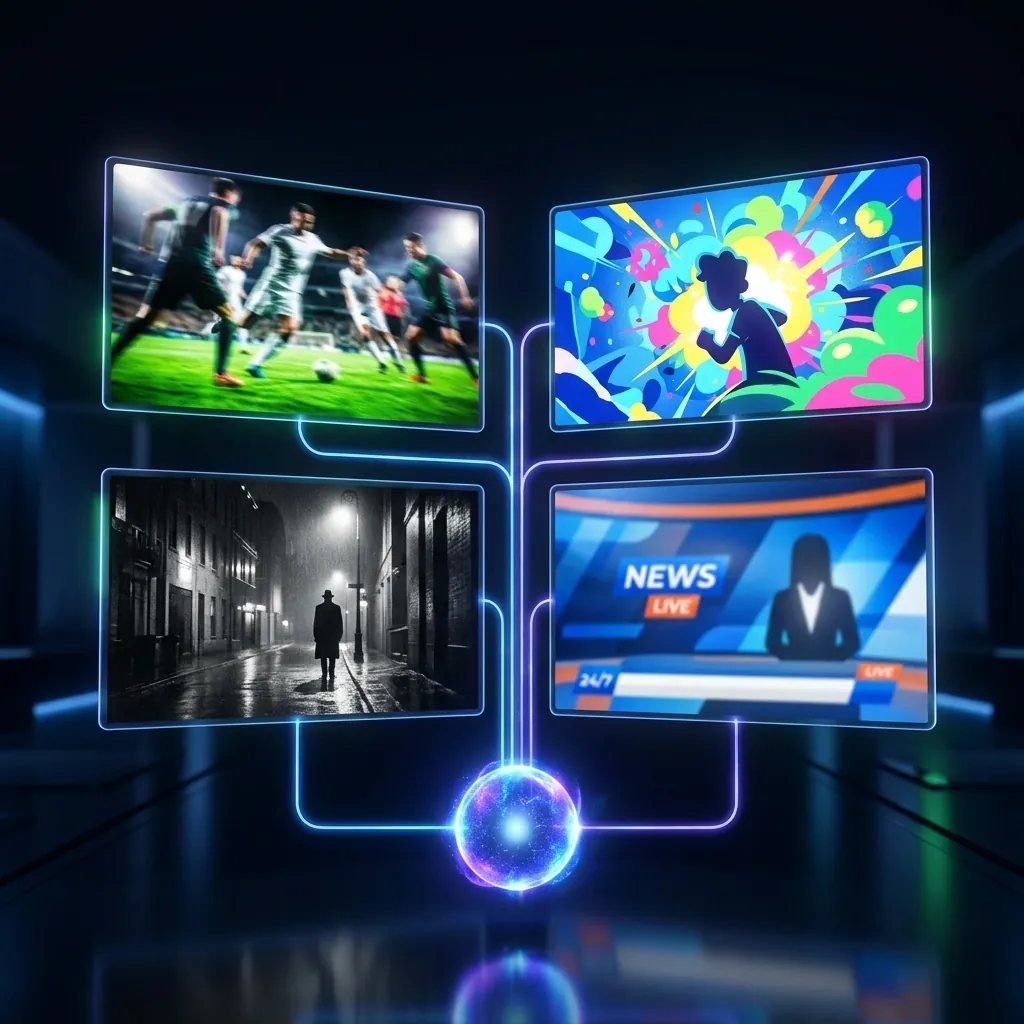
Why Families Choose Multi-Screen
No More Remote Wars
Match of the Day and Peppa Pig can coexist. Every screen streams independently — different channels, different VOD, same subscription.
Cheaper Than Two Accounts
Two separate Premium accounts cost £110/year. The 2-screen family plan is £95 — and both screens get the bigger 4K Ultra package.
Every Screen Gets Everything
All +28,000 channels and +192,000 VOD titles on every connection. No content tiers between screens.
Any Mix of Devices
Firestick + Smart TV + tablet + phone — any combination works. Install on unlimited devices; stream on your plan's screen count.
One Renewal, One Chat
One WhatsApp thread manages the whole household — renewals, support, upgrades. No juggling multiple accounts and expiry dates.
Scales 2 → 5 Screens
Start with 2 screens at £95/year and upgrade pro-rated as the household grows. The 5-screen plan covers even the busiest homes.
Split Screen and Multi-View: Several Matches on One TV
Two different features get called the same thing, and the difference decides which plan you need. Multi-screen means several televisions playing at once — the match downstairs, cartoons upstairs, the soaps in the kitchen. Split screen, known properly as multi-view, means several streams tiled on one television simultaneously: four Premier League games in quadrants on a Saturday afternoon, or a Grand Prix alongside the onboard camera.
Here is the part almost nobody explains, and it catches people out at exactly the wrong moment. Multi-view is a player feature, not a service feature — TiviMate on Android hardware is the best-known implementation, tiling up to four streams on a single screen. But every one of those tiles is a separate live connection to the server. Watching four games in quadrants consumes four simultaneous streams, precisely as though four televisions were running in four different rooms. A single-device plan therefore cannot do it at all, and a 2-screen plan gives you two tiles. If Saturday multi-view is the reason you are reading this, size the plan by tiles, not rooms.
The bandwidth arithmetic follows the same logic: four HD tiles is four HD streams, so budget roughly 60–100 Mbps for a comfortable four-way multi-view and run the box driving it on wired Ethernet rather than Wi-Fi. It is the most demanding thing an ordinary household ever asks of IPTV — and genuinely spectacular when the connection carries it.
How Many Screens Does Your Household Need?
Screens means simultaneous streams, not installs — the app goes on as many devices as you like, and the number below is how many can play at the same moment. Most households need one fewer than they first assume.
| Household | Screens | 1 month | 12 months | Per screen, per month |
|---|---|---|---|---|
| Couple, or one TV plus a bedroom | 2 | £18 | £95 | £3.96 |
| Small family — lounge, bedroom, a tablet | 3 | £25 | £130 | £3.61 |
| Family of four watching separately | 4 | £32 | £165 | £3.44 |
| Large or shared household | 5 | £38 | £195 | £3.25 |
The per-screen cost falls as the count rises, which is the whole argument against buying separate subscriptions. Full durations from one month to three years are on the pricing page; if you are unsure which tier fits, start on a £10 single-screen month and size up once you have watched a normal week.
Multi-Screen vs Sky Multiscreen vs Separate Accounts
Versus Sky Multiscreen: Sky charges around £15/month extra for Multiscreen on top of a base bundle that already costs £70+, needs a Mini box per room, and locks you into 18 months. Our 2-screen plan is £95 for an entire year, uses hardware you already own, and ends when you want it to end. The full cost comparison is in our IPTV vs Sky TV guide.
Versus buying separate accounts: two Premium accounts (£110/year) cost more than the 2-screen family plan (£95/year), and you'd be managing two logins and two renewal dates. The family plans also carry the larger +192,000 VOD library on every screen, where Premium carries +142,000. The only scenario where separate accounts win is two people in different houses — connections on one account are designed for one household.
Versus the "one account everywhere" gamble: some providers quietly tolerate simultaneous streams on single-device plans until they don't — usually mid-match, as a forced logout. We'd rather price honestly: if your house genuinely streams on several screens at once, the family plan exists so it works every time, guaranteed. Streams that hold under household load is one of the seven criteria we publish for judging any UK IPTV service. Try it first with a £10 one-month trial if you want to see simultaneous streams running on your own broadband.
Multi-Screen IPTV — FAQs
Can each screen watch something different?
Yes — that's the point. Each connection is fully independent: different live channels, different VOD, different languages, at the same time. There's no master/slave relationship between screens.
Do all screens need to be in the same house?
The plans are designed for one household. Occasional use on your phone away from home is fine, but routinely running connections from different addresses may be flagged as account sharing. Two genuinely separate homes should have two accounts — ask us on WhatsApp and we'll sort a fair bundle price.
What internet speed do I need for multiple screens?
Budget roughly 15–25 Mbps per HD screen and 25–35 Mbps per 4K screen, simultaneously. A standard 70–80 Mbps UK fibre line comfortably runs 3 HD screens or 2 4K screens. For 4–5 screens, 100Mbps+ fibre is recommended. A wired connection for the main TV always helps.
Is this the same as Sky Q Multiscreen or multiroom?
Same idea, different economics. Sky Q Multiscreen (what most people still call multiroom) charges a monthly fee per additional room and requires a physical Sky Q Mini box in each one, so a three-room house means two extra boxes and two recurring charges layered on an existing contract. Multi-screen IPTV charges once for a number of simultaneous streams and needs no additional hardware at all — any device you already own becomes a screen, and it makes no difference whether those screens sit in three rooms or three houses. There is also no engineer visit and nothing to return when you stop.
Can I install the app on more devices than my screen count?
Yes — install on every device you own. The screen count limits simultaneous playback, not installations. A 3-screen plan on a household with 7 devices means any 3 can play at once.
Is 4K included on multi-screen plans?
Yes — Multi-Screen uses the same content package as 4K Ultra, so every screen gets UHD streams on supported channels plus the +192,000 VOD library, bandwidth permitting.
Can I upgrade from 2 to 3+ screens mid-subscription?
Anytime. Message the WhatsApp chat, pay the pro-rated difference for your remaining months, and the extra connection is active within minutes. Downgrades are applied at renewal.
Which IPTV is best for families?
One that sells simultaneous streams honestly rather than quietly capping them. A single login shared across four televisions will fail on the busiest night of the year, because that is exactly when the limit gets enforced. Size the plan to how many screens actually play at once — the table above maps household types to tiers — and test it with everyone watching during live sport before committing to a year.
How many devices can I install the app on?
As many as you like. The limit is on simultaneous streams, not installations — so a 3-screen plan can be set up on the lounge TV, two bedroom TVs, a tablet and three phones, and any three of them can play at the same time. That is usually why households need a smaller tier than they first assume.
Which plan fits a family of four?
Most 4-person households are happy on 3 screens (£130/year) — it's rare for all four people to stream separately at the same moment. If your evenings genuinely run four simultaneous screens, the 4-screen plan is £165/year. Start lower; upgrading later is pro-rated, so you lose nothing by being conservative.

One Subscription. Every Screen in the House.
Tell us how many screens your household needs and we'll have the whole family watching within 15 minutes. From £95/year for 2 screens — pay by card or PayPal.